Anydesk
AnyDesk, a fast remote access to computers

Safe & Secure
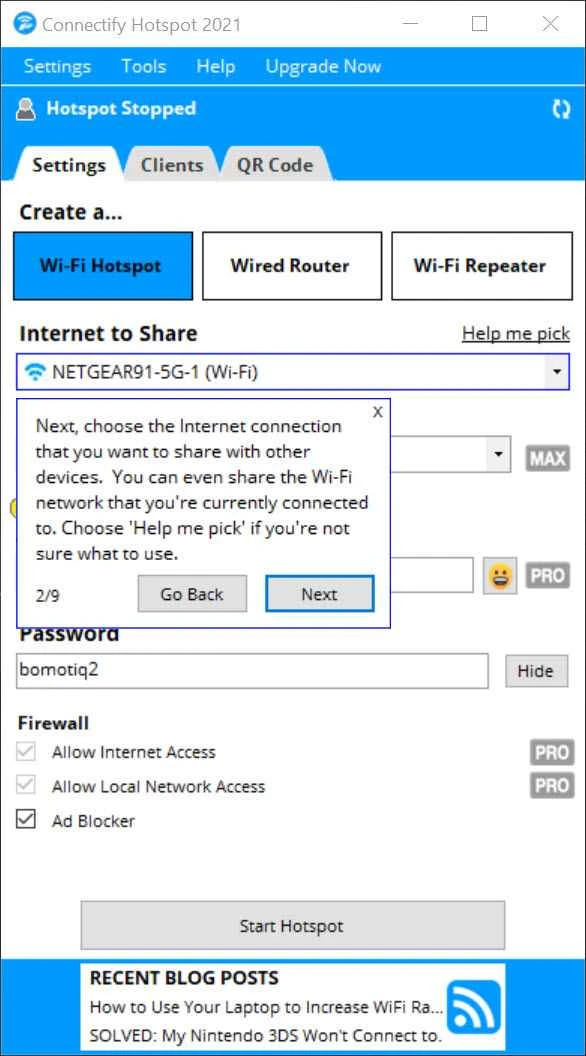
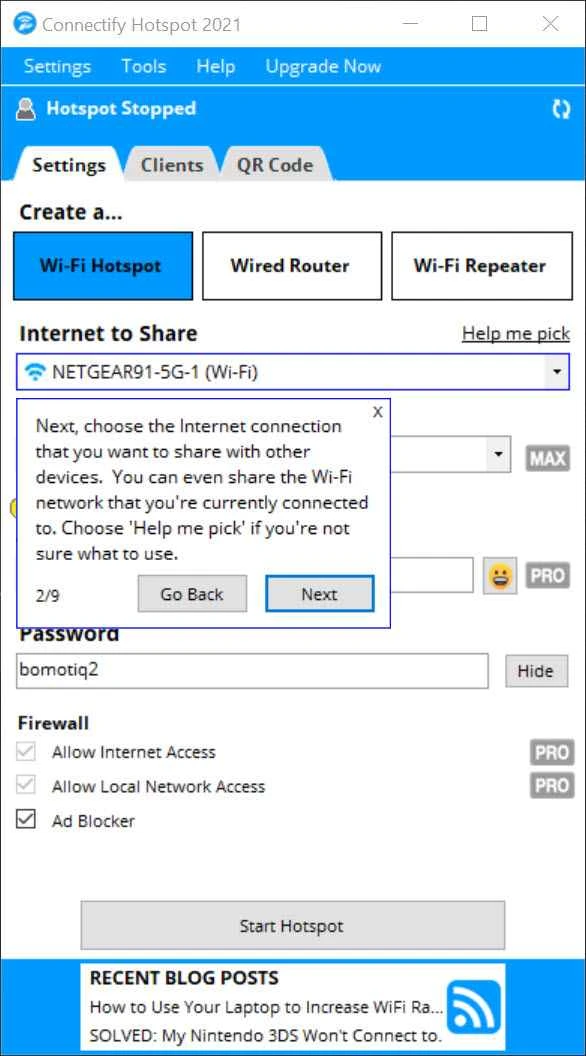
Connectify Hotspot is a free Windows application used for turning the PC into a Wi-Fi hotspot, allowing users to share their internet connection with multiple devices. Commonly, we need a dedicated router for setting up a wireless network, but using Connectify Hotspot helps to avoid the importance of hardware device, connecting the computer into a virtual router.
The app offers quick and simple internet sharing process with multiple devices, and also helps to monitor them to manage the shared files and folders. It is the best solution, specifically for users who want a versatile utility for expanding their internet connection without using additional hardware device.
Connectify Hotspot is a Freeware software developed by Connectify, offers an extended Internet connection without using a hardware device. It offers quick conversion of your PC into a Wi-Fi hotspot, enabling you to share your Internet connection with multiple devices such as smartphones, laptops, tablets, gaming consoles, and so on.
The app equipped with WPA2-PSK encryption to offer 100% fool-proof and secure connection, including basic hotspot. It is available within Free, PRO, and MAX editions, allowing users to select the edition according to their requirements.
The app offers automatic examine for detecting the target PC has capability to share internet connection, as the device requires a wireless card with support of hotspot technology. On detecting a compatible card, the app uses a random password and network label to set up the hotspot automatically. You need only to click the “Start Hotspot” button, making new hotspot accessible. After activating the hotspot, the connection will be shared to devices within range, ensuring they have the correct password.
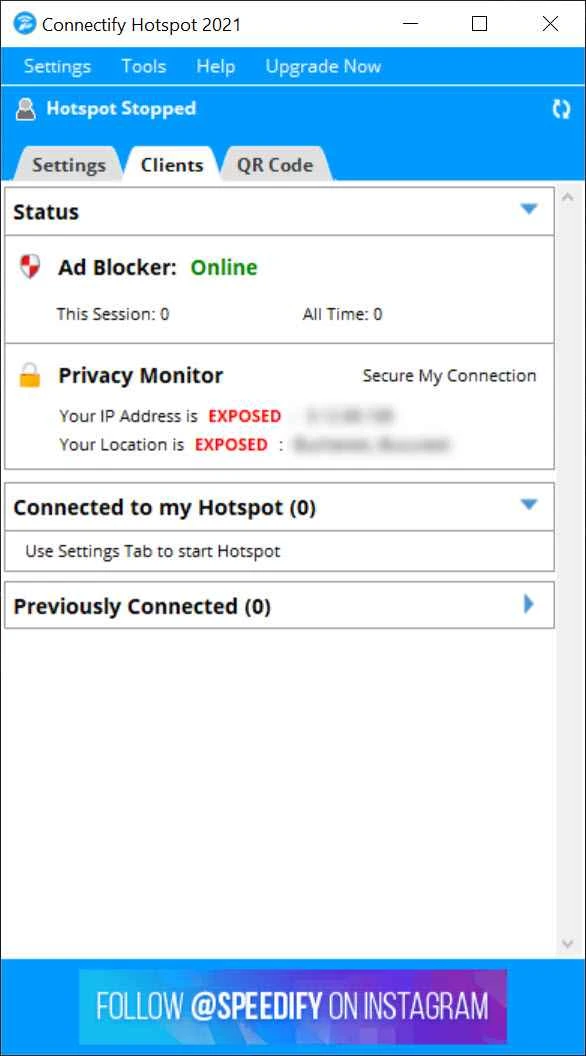
Intuitive interface offers simplicity of design, enabling users to manage entire set up reliably, as within few clicks, you can create new hotspot, personalize your settings, and quickly share your internet connection up to multiple devices. You can use the “Clients tab” to view the list all apps using your hotspot.
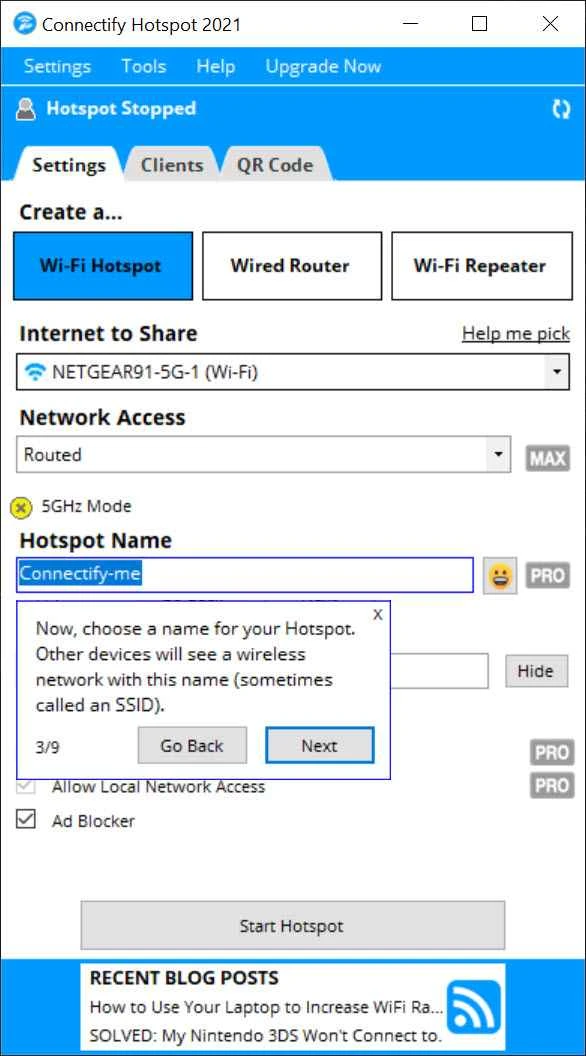
The app also offers hassle-free configuration for your settings according to your preferences. And if you want to go with default settings, the app offers performance without any input from the users. Beyond basic configuration, it also offers advanced configuration within paid version, allowing you to change the name of your network and even set your own password. After completing configuration, you can easily start tracking your connected devices.
The flexibility of internet sharing is the main element offered by the app, as you can share your connection up to multiple devices within a single click. It supports multiple internet connections such as Ethernet, Wi-Fi, and 3G/4G USB devices. It is also capable of sharing an existing wireless network as Wi-Fi.
It is one of core feature, enabling users to use their PC for sharing their internet connection to all of their gadgets, including PCs, smartphones, tablets, and other Wi-Fi-enabled devices. The broad compatibility ensures the sharing of internet connection virtually with any device, making the app one of best flexible and most convenient internet sharing solution.
The support for multiple modes enables users to select connection option according to their preferences such as;
The app offers robust security and privacy, offering support for WPA2-PSK encryption, similar to a conventional router. It also allows to set up password-protected hotspots and protect their shared internet connection from unauthorized access, as it accepted only approved devices to connect to your network, and makes your sharing experience awesome.
You will find the flexibility of selecting edition option such as Free, PRO, MAX, and reliably share Internet connection up to multiple devices. It also supports additional connection types such as 4G and 5G USB adapters, and smartphone tethering. You will also be capable of adopting a VPN services within the paid version. Moreover, a built-in ad-blocker is also included to paid versions, allowing users easily get rid of irritating advertisements.
Pros
Cons

AnyDesk, a fast remote access to computers

Accelerated Downloading with Internet Download Manager (IDM)

SHAREit for PC is the best option for a P2P file-sharing process without using Wi-Fi.

ShareMe for PC, a freeware and streamlined file-sharing app

uTorrent, a powerful, lightweight, and fastest P2P file-sharing software

Xender for PC, an effective and convenient file transfer utility